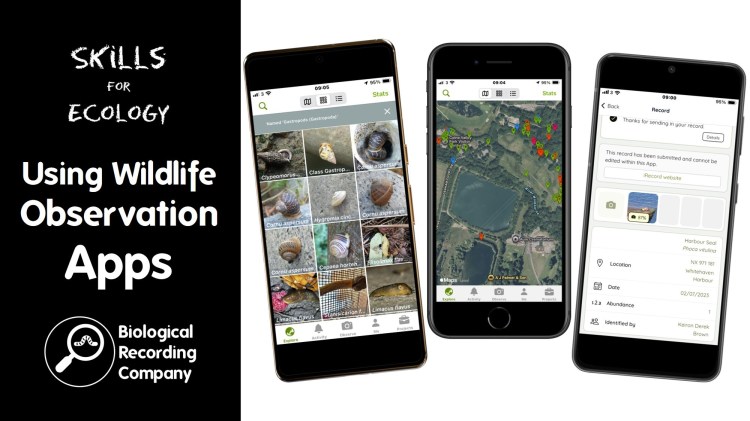
iRecord has a number of features that can help both recorders and recording organisations get the most out of biological recording. It can be a little intimidating getting to grips with all of these at once, so we’ve provided some guidance on these features that will help you get the most out of iRecord as a biological recording platform.
Submitting a wildlife observation to iRecord
Once you are set up on iRecord, the first function that you need to get to grips with is submitting a record to the platform. This video is a walk-through to submitting a single species occurrence record (in this case an observation of a Grey Heron) to iRecord via the ‘Enter a casual record’ form.
iRecord Activities
This video introduces iRecord activities and how they work alongside iRecord forms within the platform. We cover how to access iRecord activities and explain how iRecord activities allow the collation of biological records for recording groups, organisations and projects.
iRecord Explore Pages
The iRecord Explore pages allow users to look at the records on the system in the form of maps, lists and summaries. iRecord has Explore pages for specific activities, your own personal records and even all records on the system.
The different Explore pages all work in the same way, using the same interface. In this video, we use the ‘All Records’ explore page to demonstrate how the explore pages work, including how to create and use filters to explore the data on iRecord.
More on biological recording




 Biological Recording